
Check your building permit status
Use this page to find out where your building permit application is in the review process. You can check the status online, by phone, or in person at the Planning & Development office. Knowing your current stage helps you plan your next steps and avoid delays.
Check online
The fastest way to see your permit status is through the Wrenford Permit Portal. Log in with your account to view real-time updates, upload additional documents, and pay fees. You will see the current stage of your application, any notes from the reviewer, and upcoming deadlines. The portal also tracks your Job Access Codes for inspections.
Check by phone or in person
If you do not have an online account, call the Planning & Development office at 519-555-0100. You can also visit us in person at the Planning & Development office, 3rd Floor, 100 Mercer Street, Wrenford, ON N4Q 1A1. The counter is open Monday to Friday, 8:30 a.m. to 4:30 p.m. Bring your permit number or property address to speed up the search.
What the status means
- Received: We have your application and are checking it for completeness.
- Under Review: A planner or building official is reviewing your plans against the Ontario Building Code and Zoning By-law 2016-040. Processing times vary from 10 to 20 business days depending on project size.
- Comments Issued: We need changes or more information. Check your portal messages or email for the reviewer's notes. Staff cannot start a second review until all requested changes are received.
- Approved: Your permit is ready for issuance. Pay the required fees online or at City Hall, and we will issue the permit.
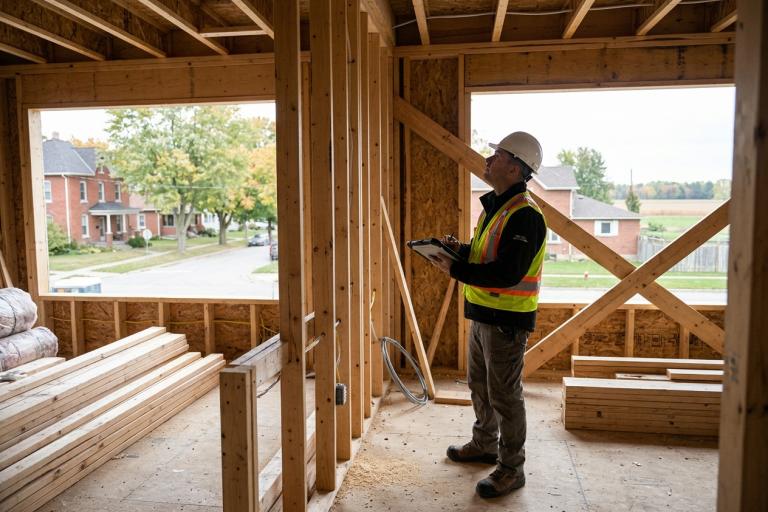
- Inspections Pending: Construction has started. You must book inspections through the Wrenford Permit Portal before work is covered up. A building official will visit your site to verify the work matches the approved plans.
- Closed: The work is finished, all inspections are passed, and the permit is closed. You will receive a final confirmation in the portal.
What to do next
Once your status is Approved, pay the final fees online or at City Hall. Then, book your required inspections using the Job Access Code on your permit. If you receive Comments Issued, submit the revised drawings or information through the portal. Keep a copy of your approved permit and drawings on-site at all times during construction.
Need help?
If you cannot find your permit or your account is locked, contact the Building Permits team at [email protected] or call 519-555-0100. For general questions about the review process, visit the Building Permits page. If you are unsure whether your project requires a permit, review the Do I need a building permit checklist first.